
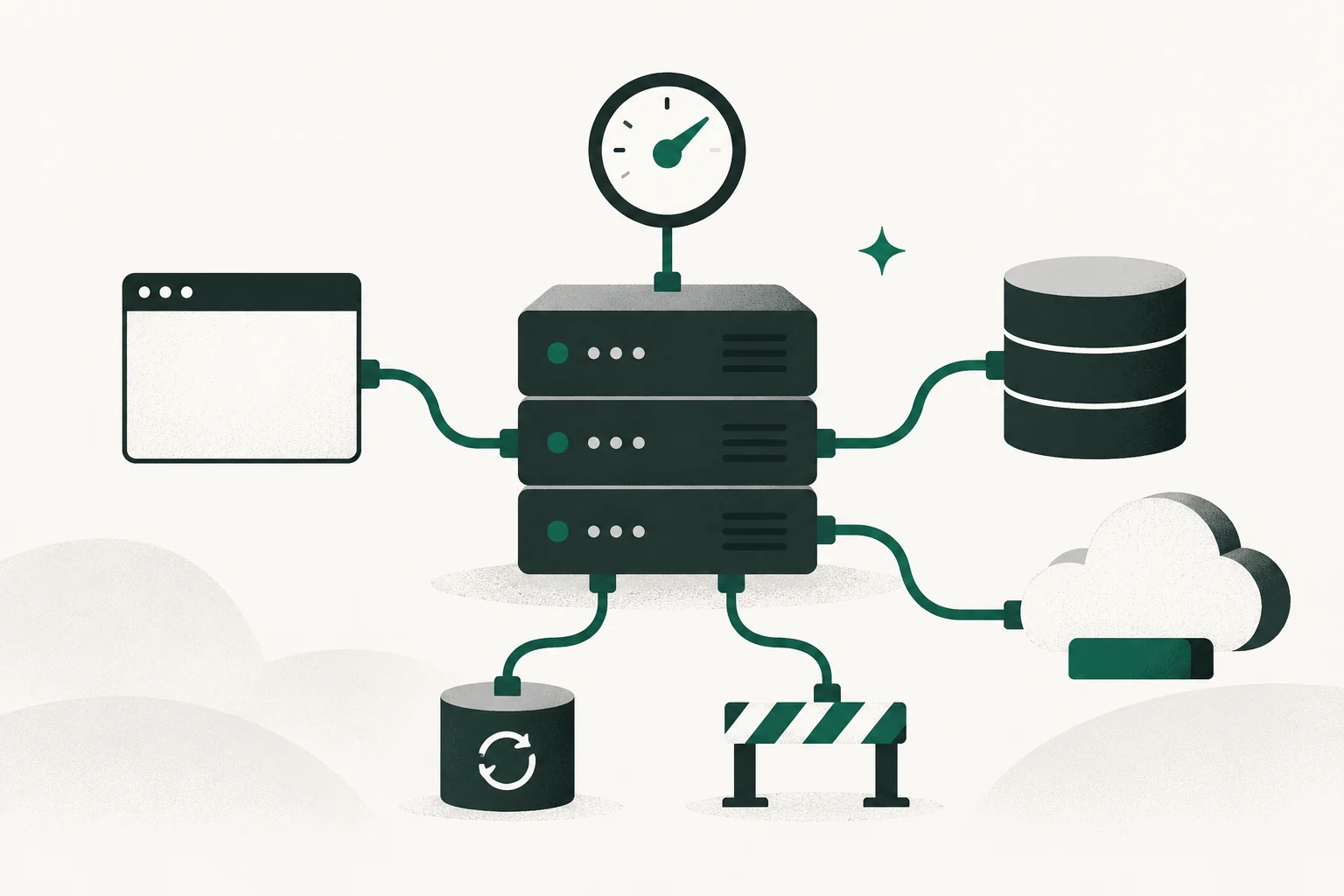
Test a WordPress backup by restoring a selected version into an isolated copy, checking the data and functions you depend on, and recording what would still be missing in a real incident. A green backup notification establishes that a job reported success. The restore exercise establishes something more useful: whether you can recover the intended site under stated conditions.
Keep this rehearsal separate from restoring production. Use a supported local or host-staging destination with a different database and verified controls for outbound messages, payments, webhooks, and scheduled integrations. If you cannot identify those controls, involve the operator who can before starting the restored application.
The primary WordPress and Kinsta instructions cited here were reviewed November 4, 2026. Compare them with your actual provider, backup type, and installed software before executing the procedure. No restore or host-account test was performed for this article.
Define the recovery question before choosing a file
Name the service and the result you need to recover. For an editorial site, that could include public articles, media, author access, publishing, redirects, forms, analytics configuration, and scheduled posts. A shop or membership site adds transaction and account state that may require specialist help.
Record the acceptable data-loss window and interruption as business assumptions. A recovery point objective describes the data age you can tolerate. A recovery time objective describes the interruption you can tolerate. Neither is established by the backup tool's marketing language or by how long one demonstration happens to take.
Use the technical due diligence guide when assessing another owner's recovery evidence. This exercise teaches the narrower operating task. Contractual handover and closing acceptance remain in the website handover checklist.
Identify what the backup contains and excludes
WordPress's backup handbook distinguishes the site's files from its database. A file archive without the relevant database is not a complete copy of a typical WordPress site. A database export also leaves media, themes, plugins, and other files outside it.
Prepare a manifest before restoring:
| Component | Evidence to retain | Question to resolve |
|---|---|---|
| Database | Export identity, time, and included tables | Does it match the selected site/version? |
| Site files | Archive identity, time, and scope | Are required media and code included? |
| Provider settings | Separate export or approved record | Which redirects, access rules, and jobs live outside WordPress? |
| Connected services | Owner and recovery route | Which functions require external accounts or credentials? |
| Backup storage | Authorized access and retention | Can the recovering operator obtain the copy? |
A host snapshot and a downloadable archive can have different boundaries. Kinsta's backup documentation distinguishes managed restore snapshots from downloadable files-and-database backups; its downloadable archive excludes MyKinsta-only settings and custom server configuration. Do not assume another provider uses the same names or includes the same items.
Keep secrets and private data in the approved restricted storage. The manifest should identify the protected artifact, not repeat its passwords or database contents.
Prepare an isolated destination before starting WordPress
Choose the provider's supported restore-to-staging route or a qualified local import process. Confirm the exact destination site, environment, database, and storage path. The operator should be able to explain why restoring there cannot overwrite the live database or web directory.
Control external effects before the application starts. A restored copy can contain real credentials, pending jobs, customer addresses, and webhook destinations. Use the environment's supported isolation to block or redirect outbound email, payments, webhooks, and integrations, then verify those controls with the responsible operator.
A staging label is not evidence that every plugin suppresses every action. Likewise, noindex controls search indexing, not confidentiality or outbound network access. Use appropriate access restrictions for private material and record the actual boundaries.
Keep the public domain pointed at production during the rehearsal. Use the isolated destination's address and a clearly identified test browser context. If a hostname must change inside the copy, use a WordPress-aware migration method rather than blindly replacing strings inside a database dump.
Restore through the route for that backup type
For an authorized Kinsta operator using a compatible managed snapshot, the documented route requires a staging environment to exist first. Under the site's Backups area, select the intended restore point, use Restore to, and choose the verified staging destination. A downloadable archive follows a different import process.
For a separate SQL export, WordPress's database backup and restore instructions describe supported database methods. Have a qualified operator map the export to the isolated database and matching site files. Do not improvise production connection details simply to get the import past an error.
Record the selected restore point, environment, start time, completion or error message, and any manual intervention. Preserve the original artifact. If restoration stops, the failure is evidence to diagnose, not permission to switch to the live environment.
Compare restored content with the selected source
Check known representative records, not only the homepage. Select examples before restoring so the exercise cannot pass by choosing whichever pages happened to survive.
For an editorial site, inspect an older article, a recent article that should be inside the backup, a scheduled post, several media files, navigation, author access, and an important redirect. Confirm that content expected after the backup cutoff is correctly absent rather than treating absence as corruption.
Then inspect provider configuration. A page can render while a missing host-level redirect changes its preferred address. A form can appear while its delivery integration remains intentionally blocked or unavailable. Record those states separately.
Check critical tasks without causing real external activity
Perform a small functional test inside the isolation boundary. An editor might sign in, open a draft, save a synthetic edit, preview it, and verify that the local state persists. A form test should use the approved sink or blocked transport and synthetic input.
Check only what the setup can actually demonstrate. Blocking external services can establish that the copy stays isolated; it cannot prove real email delivery or payment-provider continuity. Those need a separate supported test plan when appropriate.
Use an acceptance ledger:
| Check | Expected evidence | Failure response |
|---|---|---|
| Correct version | Selected records match the backup time | Reconcile artifact/version mismatch |
| Media | Representative files open in the copy | Inspect archive scope and paths |
| Editor task | Synthetic save and preview persist | Inspect database, roles, and runtime |
| Redirect/settings | Included settings match the manifest | Restore supported configuration separately |
| External isolation | No unintended real action | Stop, contain, and repair isolation |
Do not mark a connected service passed merely because its button appears.
Work a complete hypothetical rehearsal
Assume a small content site chooses a backup created at 12:00 UTC. Its owner sets a proposed maximum data age of 24 hours and a two-hour recovery target. Those are designed planning inputs, not observed industry standards.
The operator creates a disposable restricted staging destination with a separate database and verified outbound blocking. The manifest includes the files and database, plus a separate record of three host-level redirects. Production continues operating throughout the exercise.
In this fictional result, files and database restore in 32 minutes. An older guide, a guide published before 12:00, the selected scheduled post, and sample images match. Two articles and four form submissions created after 12:00 are absent, which is consistent with the selected cutoff.
A redirect is initially missing because the downloaded archive did not include its host setting. The operator records that gap and restores the approved redirect in the test environment. They then complete the synthetic editor task and inspect the resulting page without sending a real message.
The final record might read:
| Item | Hypothetical result |
|---|---|
| Backup and copy | Correct 12:00 version in isolated staging |
| Data-age assumption | Post-cutoff records absent and listed for a real recovery plan |
| Recovery duration | 54 minutes including configuration repair |
| Missing dependency | Host redirect required a separate record |
| External services | Isolation checked; live delivery/payment not tested |
| Decision | Rehearsal accepted for this narrow scope; update recovery runbook |
The 54-minute result would describe this hypothetical exercise only. It cannot guarantee a real incident's duration, solve later data reconciliation, or prove a different backup is usable.
Stop on the right failures and preserve recovery options
Stop if the destination points at production storage, external isolation fails, the backup belongs to a different site, or the restored application exposes private material. Follow the actual incident process and preserve the minimum necessary diagnostic evidence.
If the copy has missing files or records, compare scope, timestamps, import errors, and version compatibility before blaming the backup schedule. Do not delete the only earlier restore point while investigating.
A rehearsal rollback normally means discarding the disposable copy or restoring its earlier test state. Production rollback is a separate business action: restoring an old live database can erase legitimate later activity. Keep that decision outside an informal practice exercise.
Turn the result into a repeatable operating record
Save the manifest, selected backup identity, destination isolation, steps, observations, duration, gaps, repair, and responsible owner. Remove test data and temporary access through the approved process once the evidence is retained. Preserve required private records according to the site's actual retention arrangements.
Use the website SOP template to document the next rehearsal. Recheck the procedure after material changes to hosting, plugins, storage, external services, or the person responsible. A recovery plan becomes useful when another authorized operator can reproduce its result and identify its remaining limits.